Database SQL Basics (TryHackMe)

Database SQL Basics is a pre-security room by TryHackMe that allows beginners to learn fundamentals of databases and the query language SQL which comes handy when learning about SQLI(SQL Injection) or other cybersecurity CTF challenges where the SQL queries come handy.
Introduction
How can a café keep track of every order and still quickly answer questions about them later?
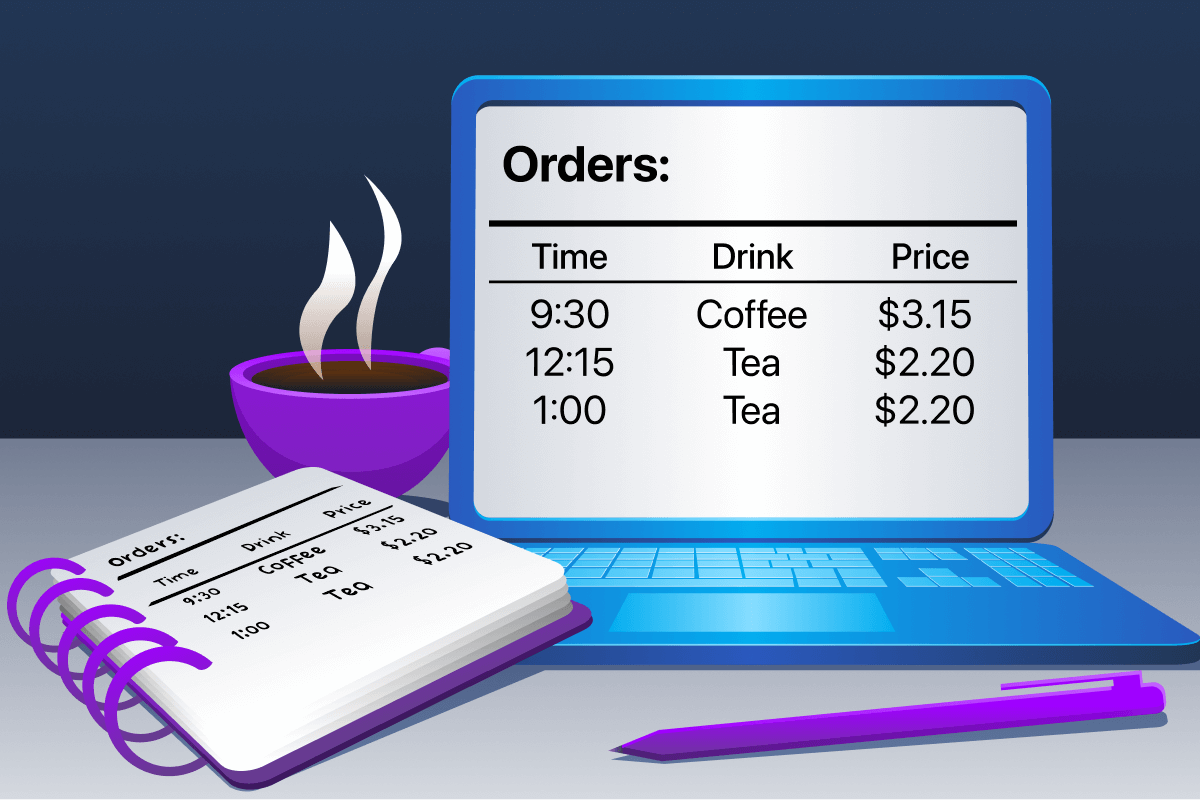
In the Computer Fundamentals module (coming soon), we have seen how computers can process information while running. But what happens when the computer is turned off? Where does the information go?
In this room, you will be helping a small business make sense of its data. As the company grows, keeping track of information using simple files becomes slow and confusing. Databases solve this problem by storing information in a structured way that is easy to search and manage.
Learning Objectives
Understand what data is and why it matters
Explain what a database is and why it is used
Understand what SQL is and what it is used for
Identify tables, rows, and columns
Write simple SQL queries to retrieve information
Learning Prerequisites
Understanding Tables, Rows, and Columns
In a café database table, what does one row represent?
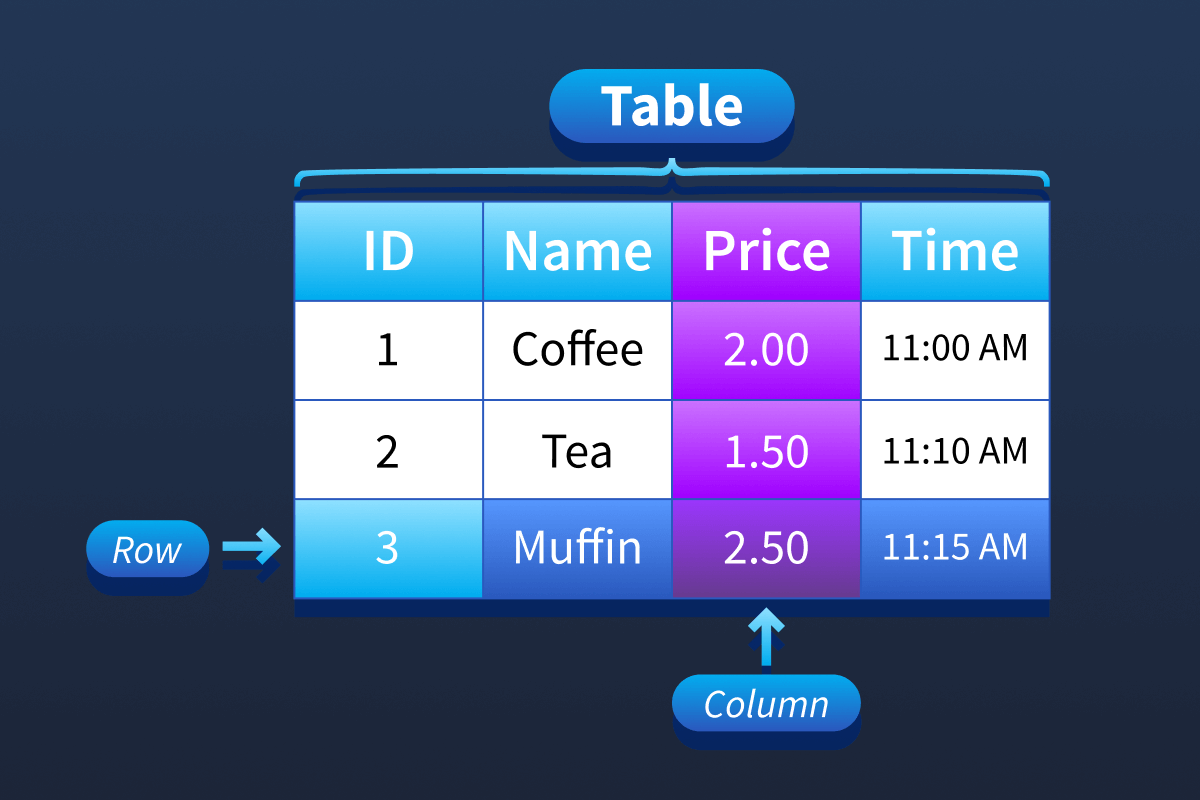
In this table, each column represents one type of information, such as a name or a price.
Each row represents a complete record, and the table contains all records.
Imagine a small café.
At first, the café owner writes each order in a paper notebook to track orders and payments.
Each order includes:
The drink name
The price
The time of the order
This works fine when the café is small. However, after many days, the notebook becomes full. Finding answers to questions like “How many coffees were sold today?” or “What was the cheapest drink sold this morning?” becomes slow and difficult.
The owner has to read through many pages and count orders manually. This is where computers and databases become useful.
What Is a Database
Think of a database as a place where a computer stores information in an organised way.
You can think of a database as a digital notebook that never runs out of pages. Unlike a paper notebook, a database allows the computer to search, count, and sort information very quickly.
Even if the café has thousands of orders, a database can still answer questions in seconds.
Inside a database, information is stored in tables.
Tables, Columns, and Rows
A table resembles a spreadsheet, where information is organised neatly into rows and columns.
Columns are the titles at the top of the table. They describe the type of information stored.
Rows go across the table. Each row contains one complete set of information.
For the café example:
Columns might be: order number, drink, price, and time
Each row is one café order
This means:
One column stores one type of information, such as prices
One row stores all the information about a single order
If the café sells ten drinks in one day, the table will contain ten rows. If one more customer places an order, one more row is added to the table.
If an order is removed, only that row disappears. The rest of the table stays the same.
Asking Questions With SQL
SQL is a language used to ask questions of a database.
Instead of reading the table row by row, SQL lets the computer do the work for us.
For example, the café owner might ask:
“Show me all orders.”
“Show me only coffee orders.”
“Show me the cheapest drink.”
These questions are called queries.
A query does not change the data. It only displays the requested information from the table.
In the next task, you will learn how to write simple SQL queries to ask these questions yourself.
Answer the questions below
Inside databases, what is the term for the "spreadsheets" that store the information? table
Writing Your First SQL Query
In this task, you will use a safe browser-based database client. Nothing here can break. If you make a mistake, you can click Reset Data and try again.
At the top of the page, you can see the two tables and their columns:
Orders (
id,drink,price,time)Menu (
drink,price)
Your goal is to practise writing queries using four core SQL parts: SELECT, FROM, WHERE, and ORDER BY.
Step 1: View Everything in a Table (Select + From)
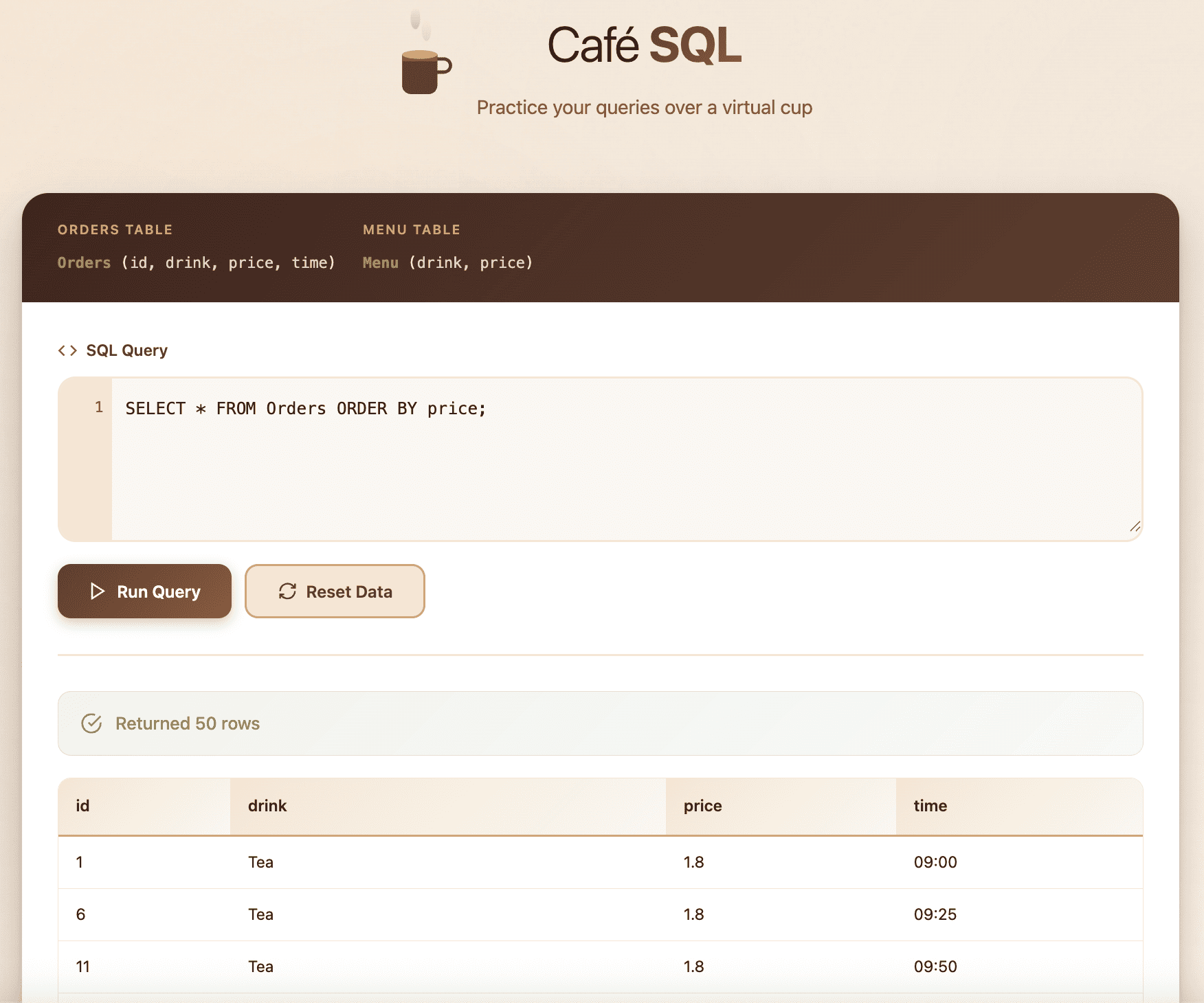
We start with the most basic query. When we use SELECT *, the * symbol means all columns. The word FROM tells the database which table to use.
Try this query:
SELECT * FROM Orders;
Click Run Query. You should see every order currently stored in the database.
Step 2: Show Only Specific Columns (Select Drink, Price)
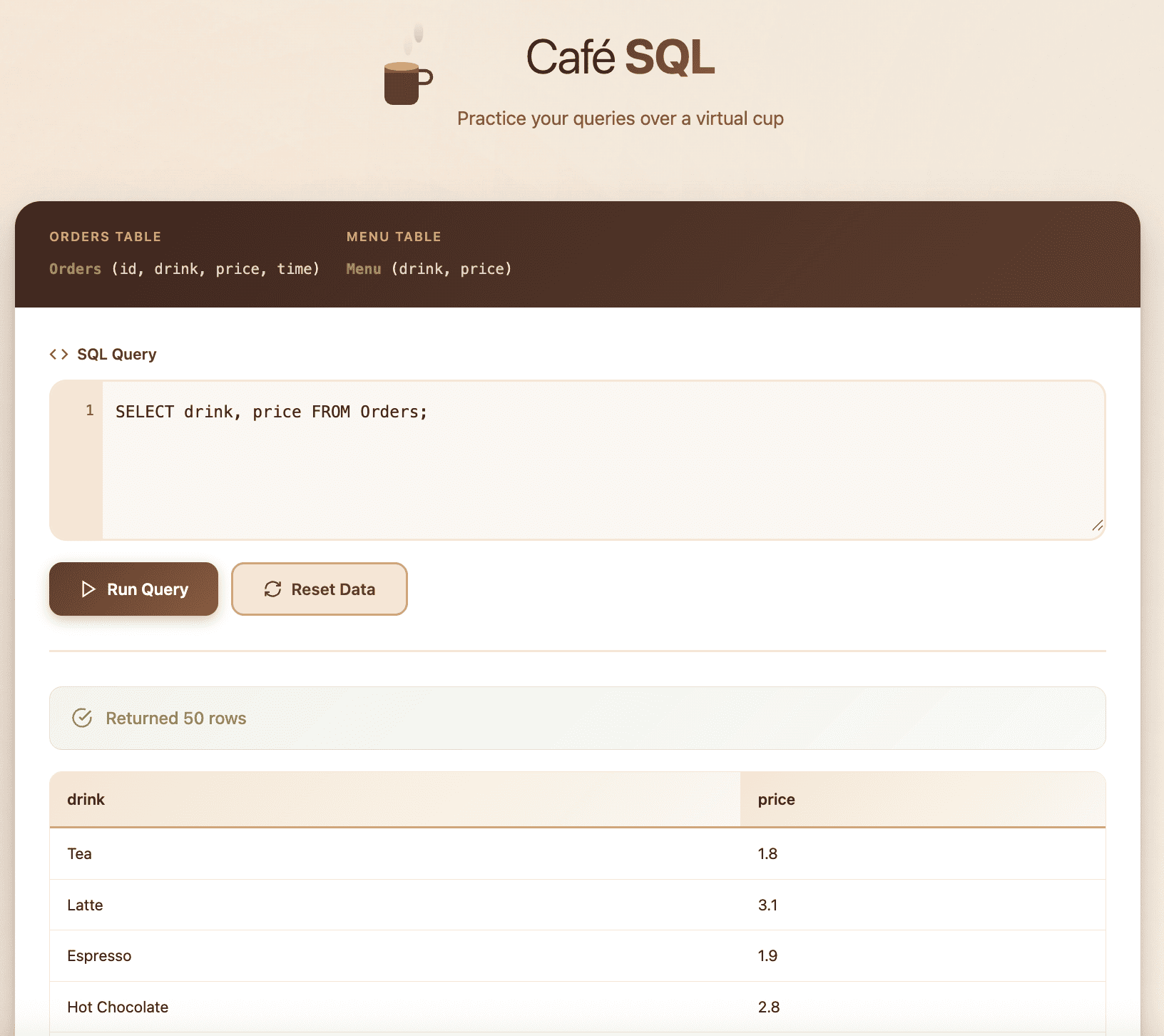
Sometimes we do not need every column. We can choose specific columns by listing them after SELECT.
Try this query:
SELECT drink, price FROM Orders;
This will display only the drink and price columns.
Step 3: Filter Results (Where)
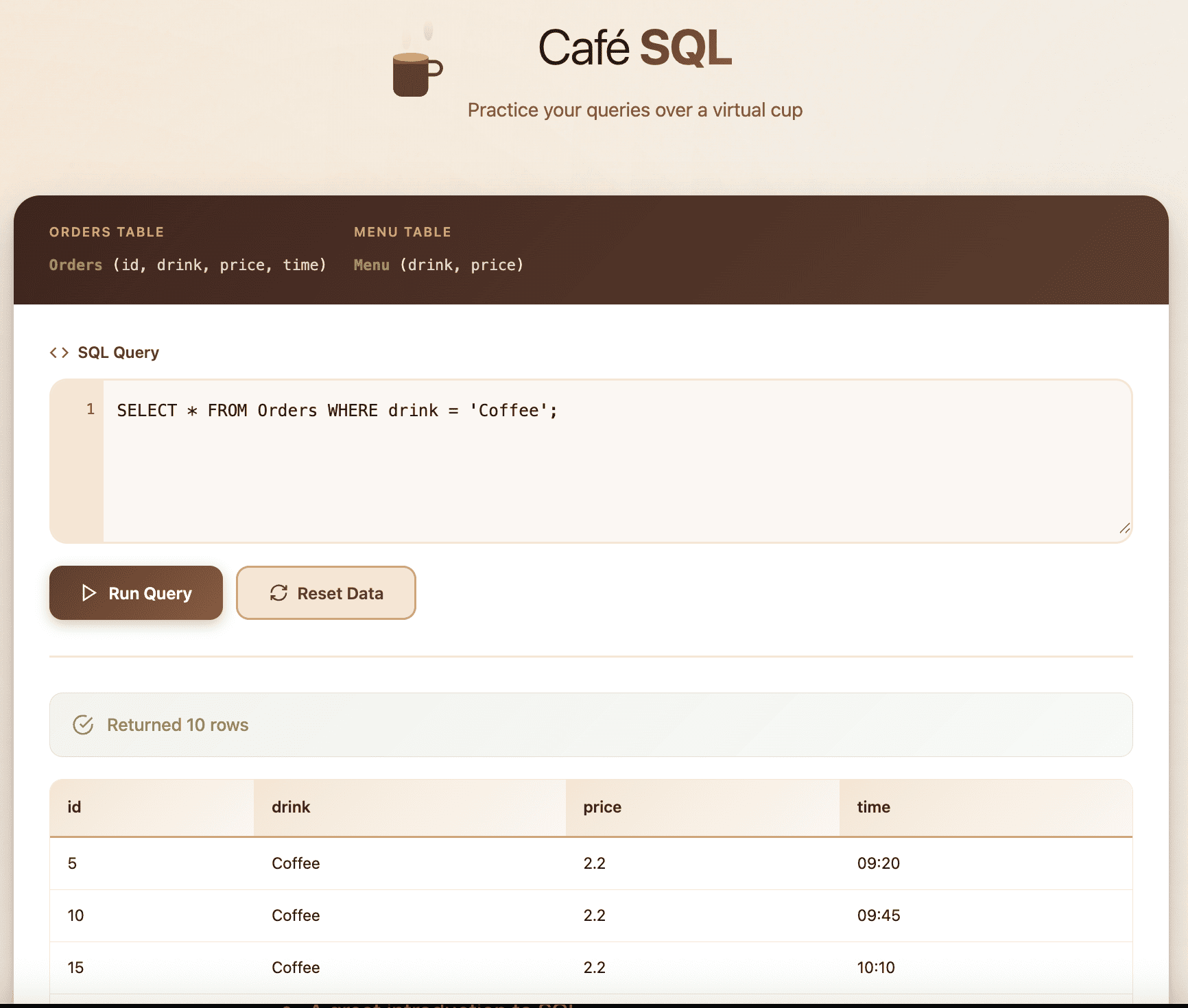
The WHERE keyword filters rows. It keeps only rows that match a condition.
Try filtering by drink name:
SELECT * FROM Orders WHERE drink = 'Coffee';
If the database contains coffee orders, you will now see only those rows.
Hint: If you are not sure which drink names exist, run:
SELECT * FROM Menu;
Step 4: Sort Results (Order By)
The ORDER BY keyword sorts results by a column. By default, results are sorted in ascending order (lowest to highest).
Try sorting orders by price (lowest first):
SELECT * FROM Orders ORDER BY price;
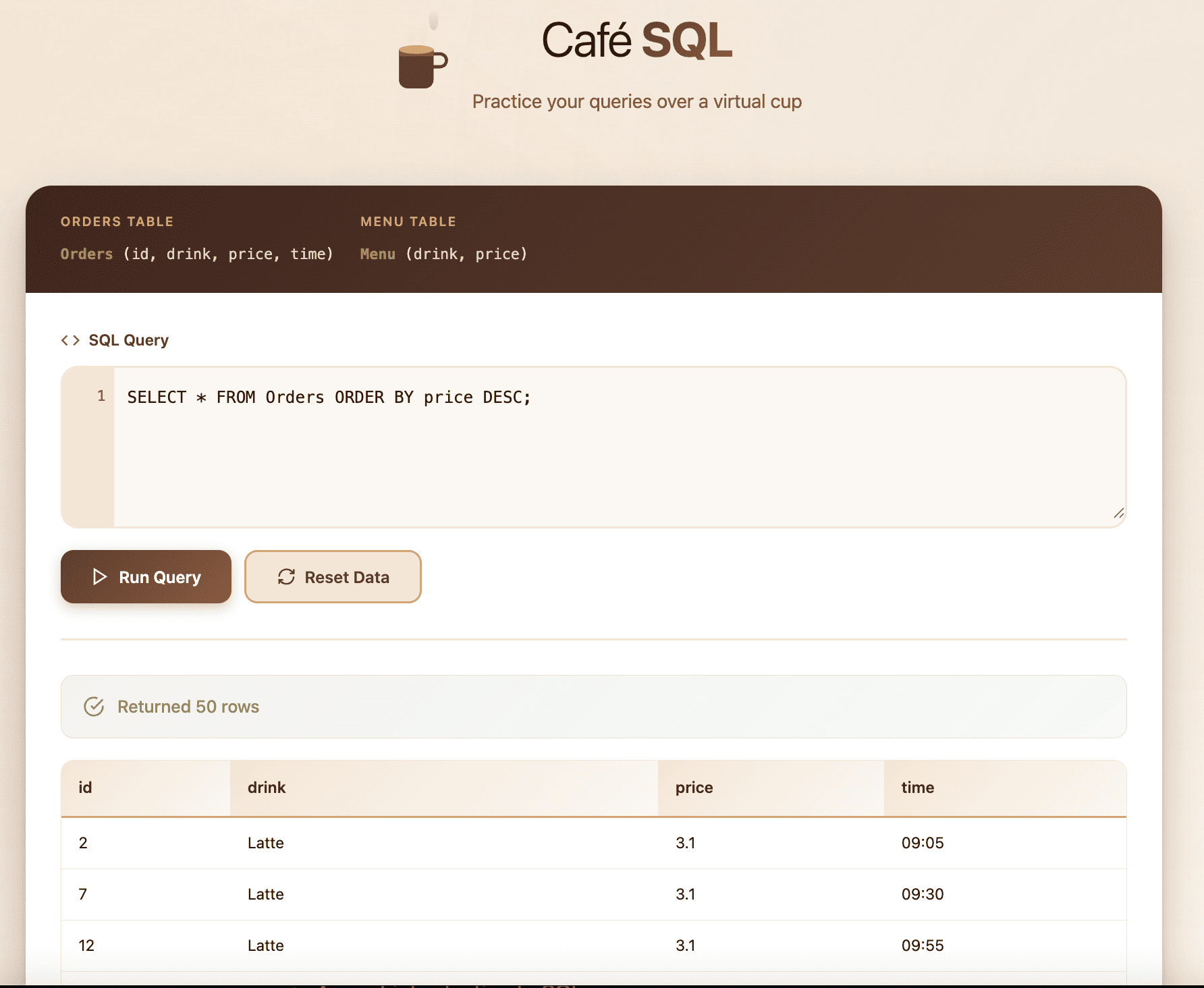
To sort in reverse order (highest to lowest), add DESC.
Try sorting orders by price (highest first):
SELECT * FROM Orders ORDER BY price DESC;
Step 5: Combine Filtering + Sorting
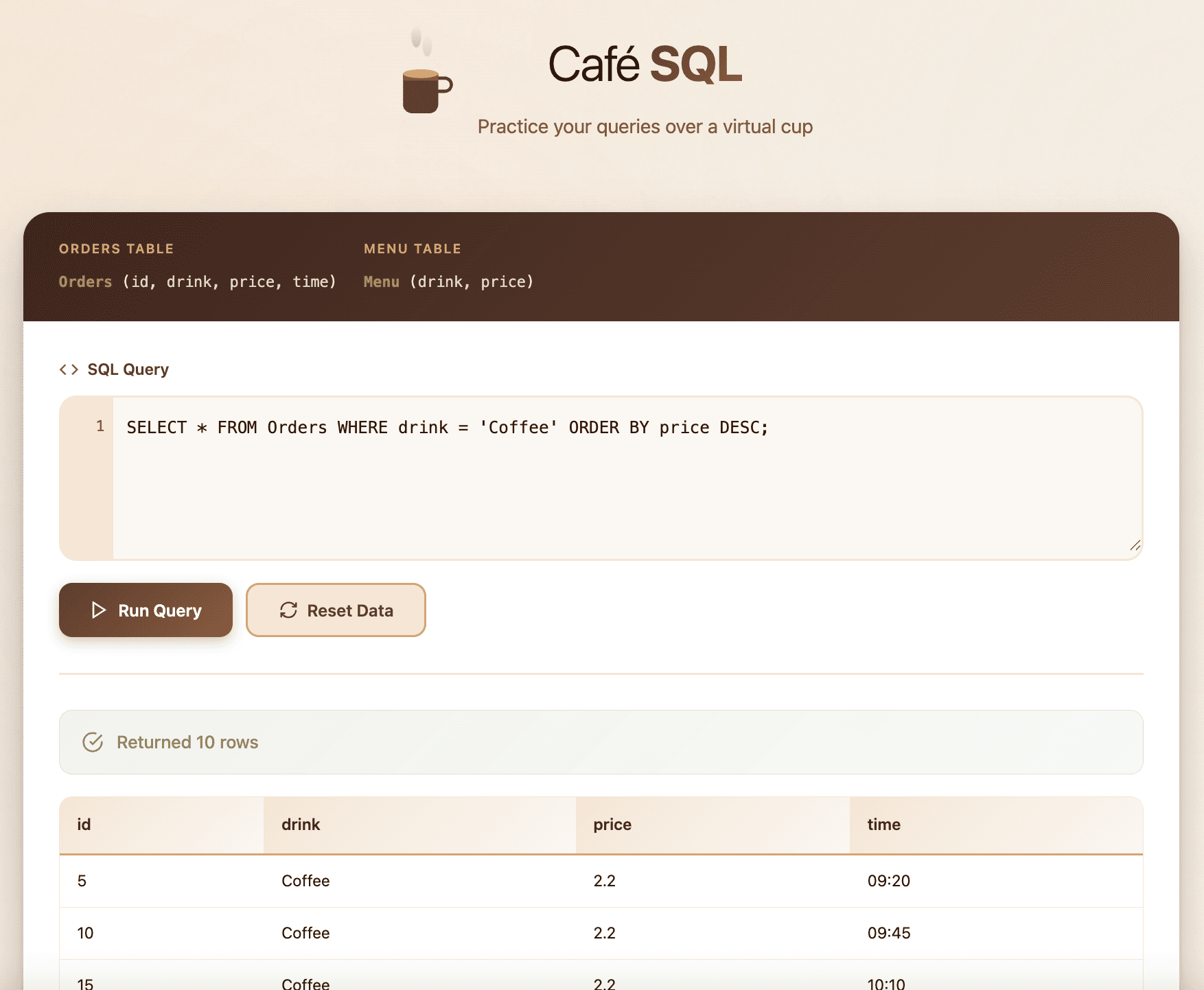
Most real queries combine parts together. Here, we filter to keep only one drink type and then sort by price.
Try this query:
SELECT * FROM Orders WHERE drink = 'Coffee' ORDER BY price DESC;
Answer the questions below
When you showed all orders, how many rows were returned?
SELECT * FROM Orders;
When you sorted orders by price from cheapest to most expensive, which drink appeared first?
SELECT * FROM Orders ORDER BY price;
When you sorted the menu by price from most expensive to cheapest, which drink appeared first?
SELECT * FROM Orders ORDER BY price DESC;
Conclusion
In this room, we learned how computers store information in databases and how SQL is used to ask clear questions about that information. Using a café example, we saw how tables organise orders into rows and columns, and how simple SQL commands can show, filter, sort, and add data.
Skills Learned
Understanding what a database is
Knowing what tables, rows, and columns are
Asking simple questions using SQL
Reading results returned by a database
SQL Queries Learned in This Room
SELECT– choose what data to displayFROM– choose where the data comes fromWHERE– filter records based on a conditionORDER BY– sort results
Question to think about:
What could happen if someone were allowed to change or remove café orders without permission?
Great work finishing this room. You are building solid foundations, so keep going.




