In this article, I will write a Summit Challenge write-up.
- For a better understanding of this room, you can refer to the Medium article.
Objective
After participating in one too many incident response activities, PicoSecure has decided to conduct a threat simulation and detection engineering engagement to bolster its malware detection capabilities. You have been assigned to work with an external penetration tester in an iterative purple-team scenario. The tester will be attempting to execute malware samples on a simulated internal user workstation. At the same time, you will need to configure PicoSecure's security tools to detect and prevent the malware from executing.
Following the Pyramid of Pain's ascending priority of indicators, your objective is to increase the simulated adversaries' cost of operations and chase them away for good. Each level of the pyramid allows you to detect and prevent various indicators of attack.
Room Prerequisites
Completing the preceding rooms in the Cyber Defence Frameworks module will be beneficial before venturing into this challenge. Specifically, the following:
Connection Details
Please click Start Machine to deploy the application, and navigate to https://LAB_WEB_URL.p.thmlabs.com once the URL has been populated.
Note: It may take a few minutes to deploy the machine entirely. If you receive a "Bad Gateway" response, wait a few minutes and refresh the page.
Answer the questions below
What is the first flag you receive after successfully detecting sample1.exe?
THM{f3cbf08151a11a6a331db9c6cf5f4fe4}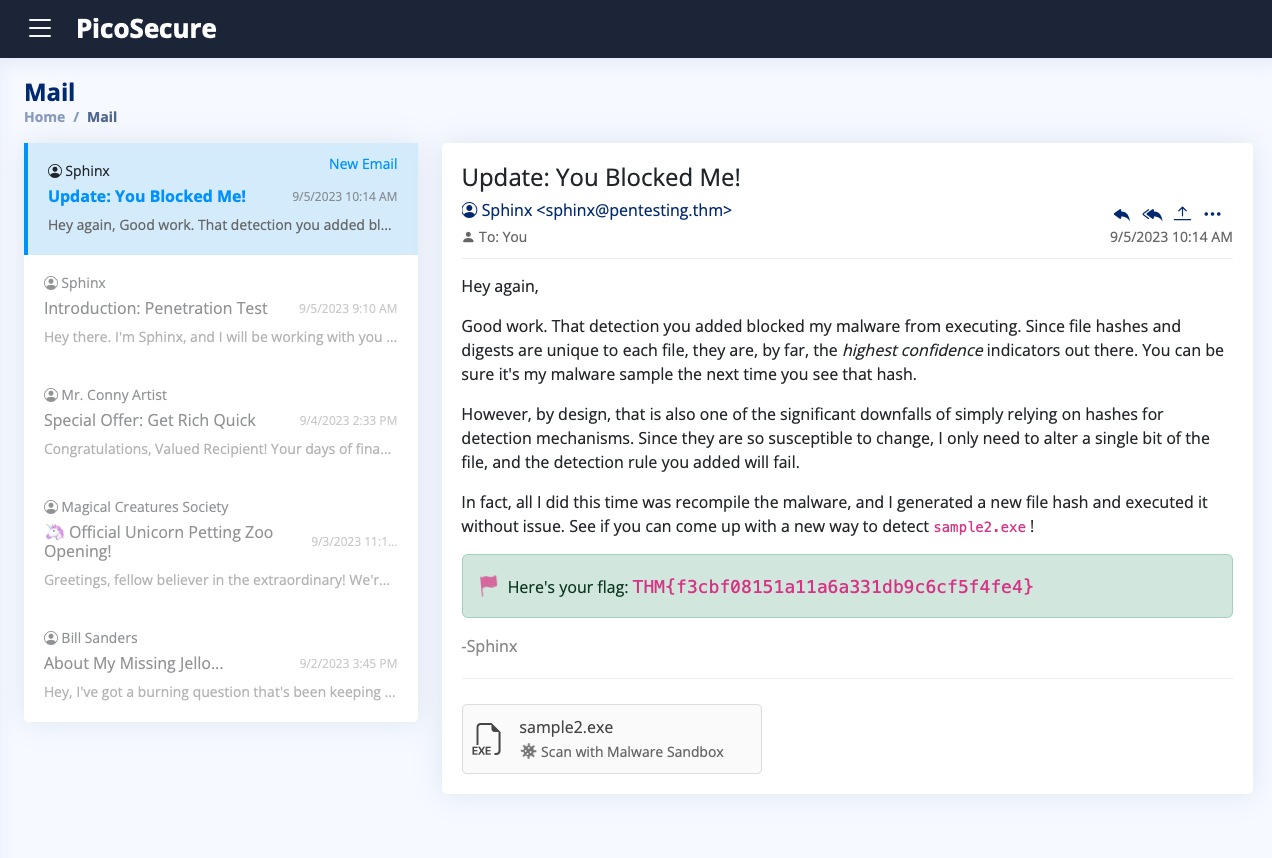
What is the second flag you receive after successfully detecting sample2.exe?
THM{2ff48a3421a938b388418be273f4806d}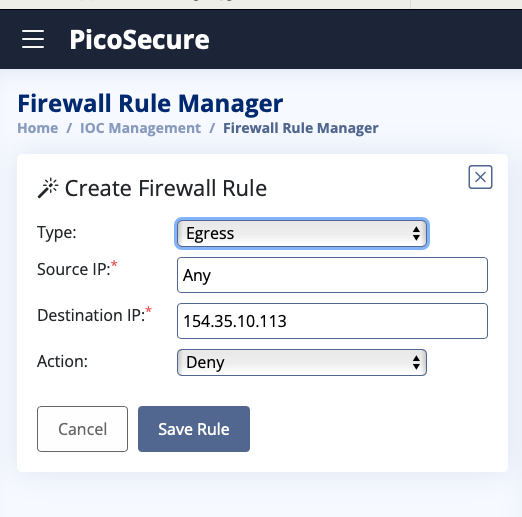
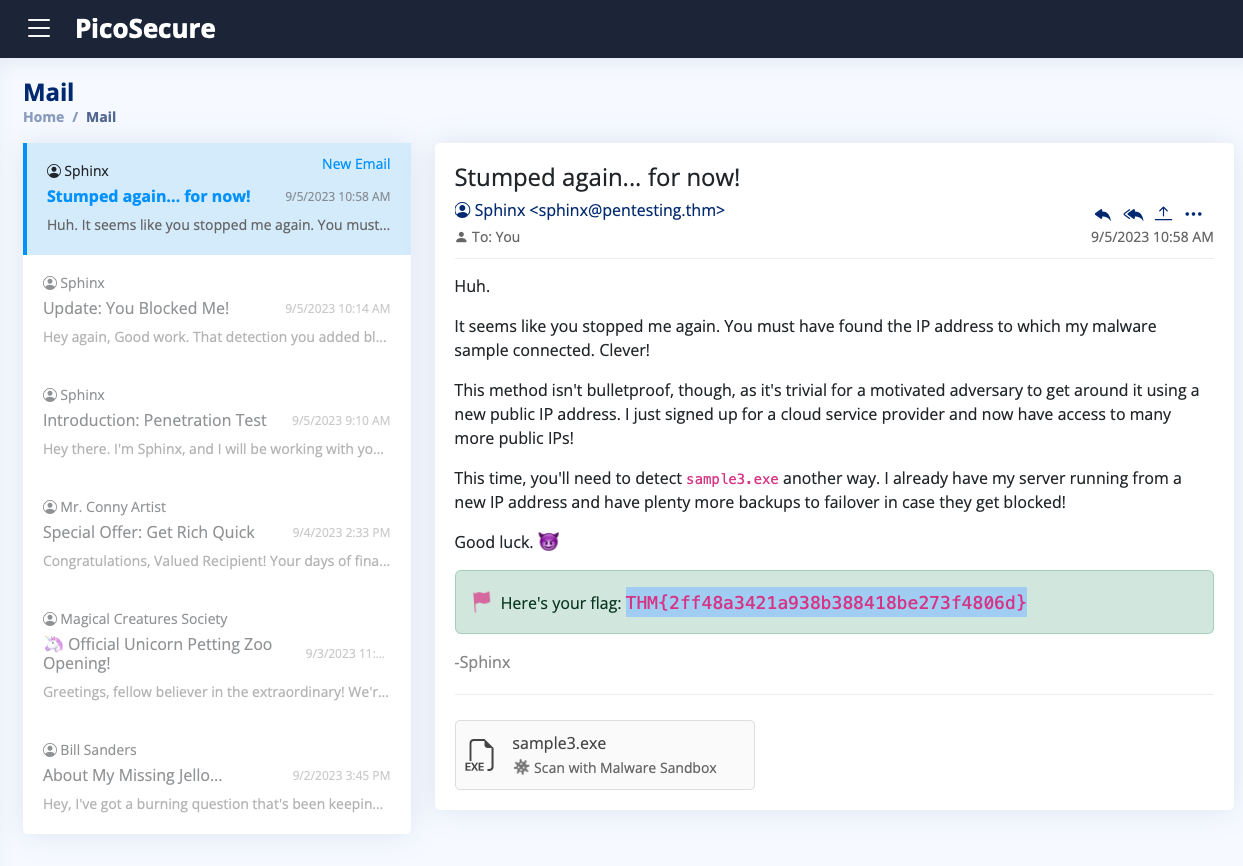
What is the third flag you receive after successfully detecting sample3.exe?
THM{4eca9e2f61a19ecd5df34c788e7dce16}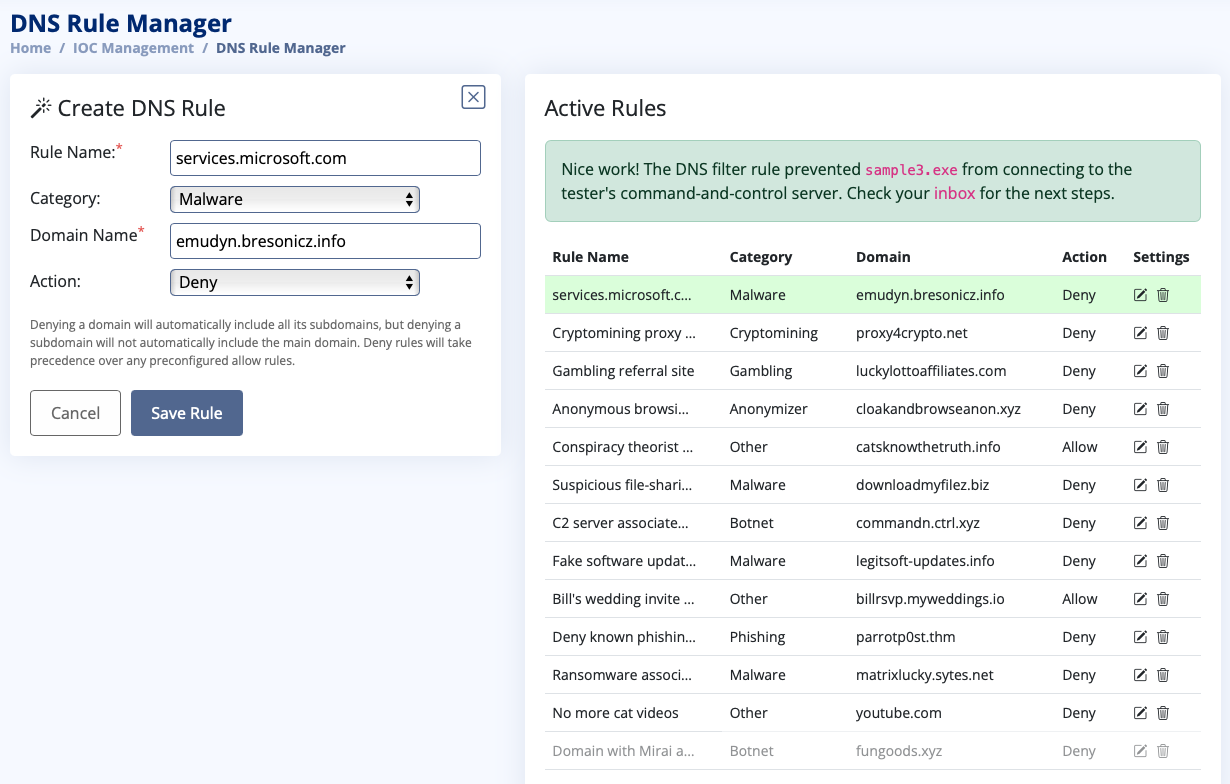
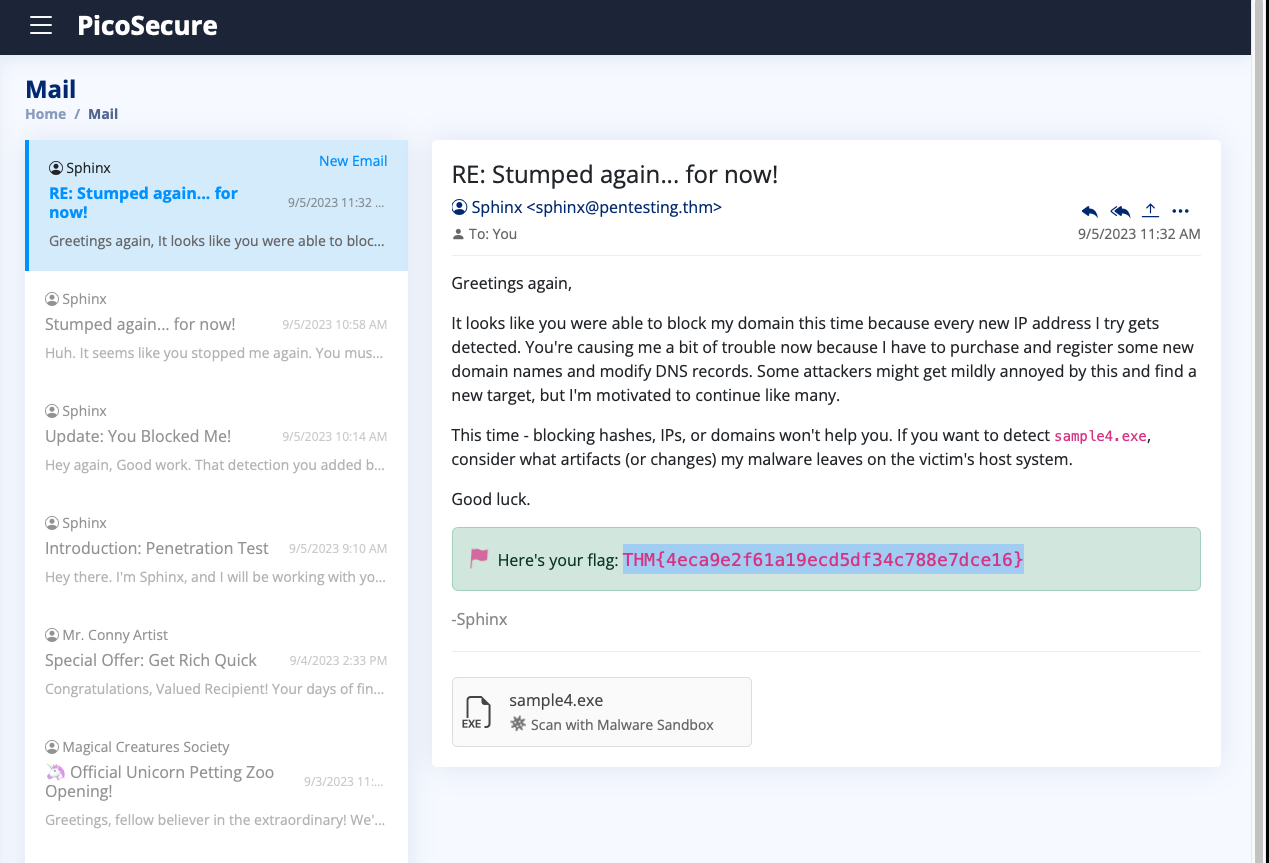
What is the fourth flag you receive after successfully detecting sample4.exe?
THM{c956f455fc076aea829799c0876ee399}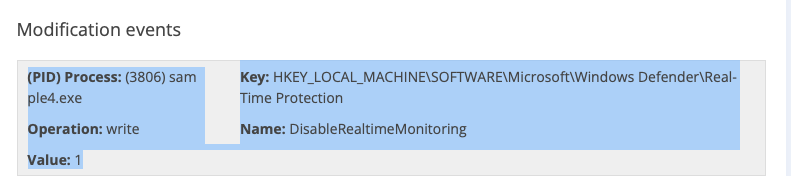
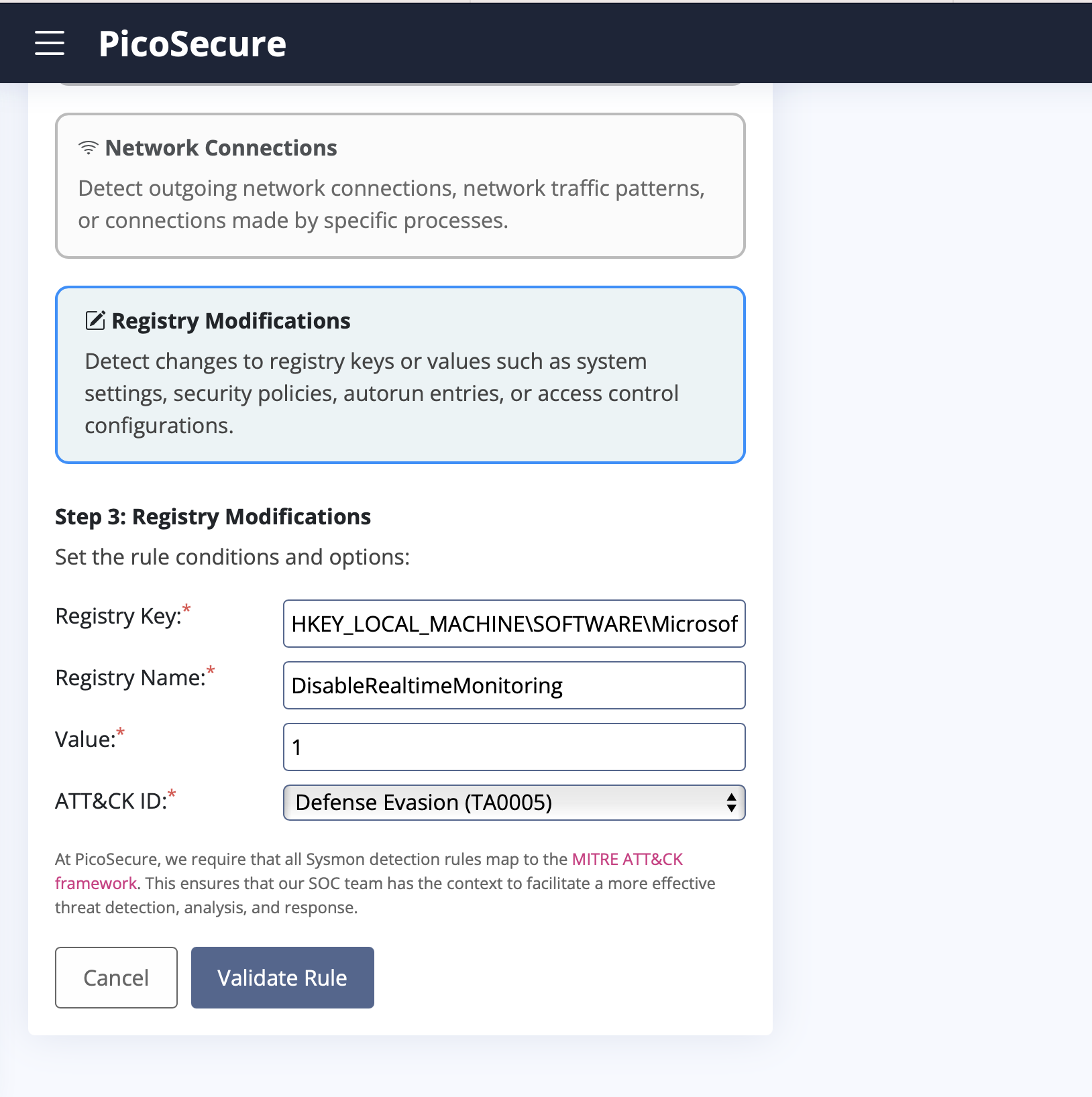
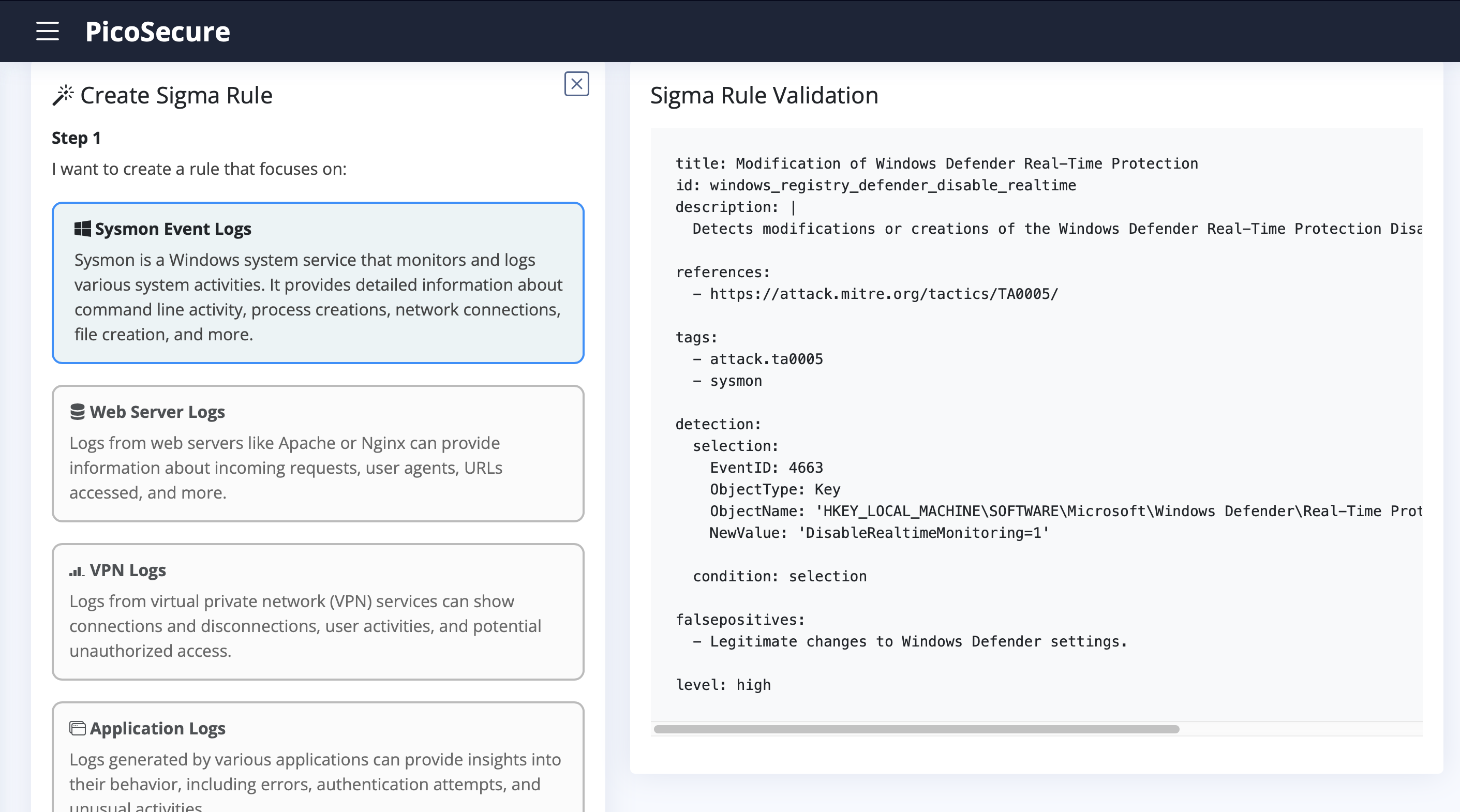
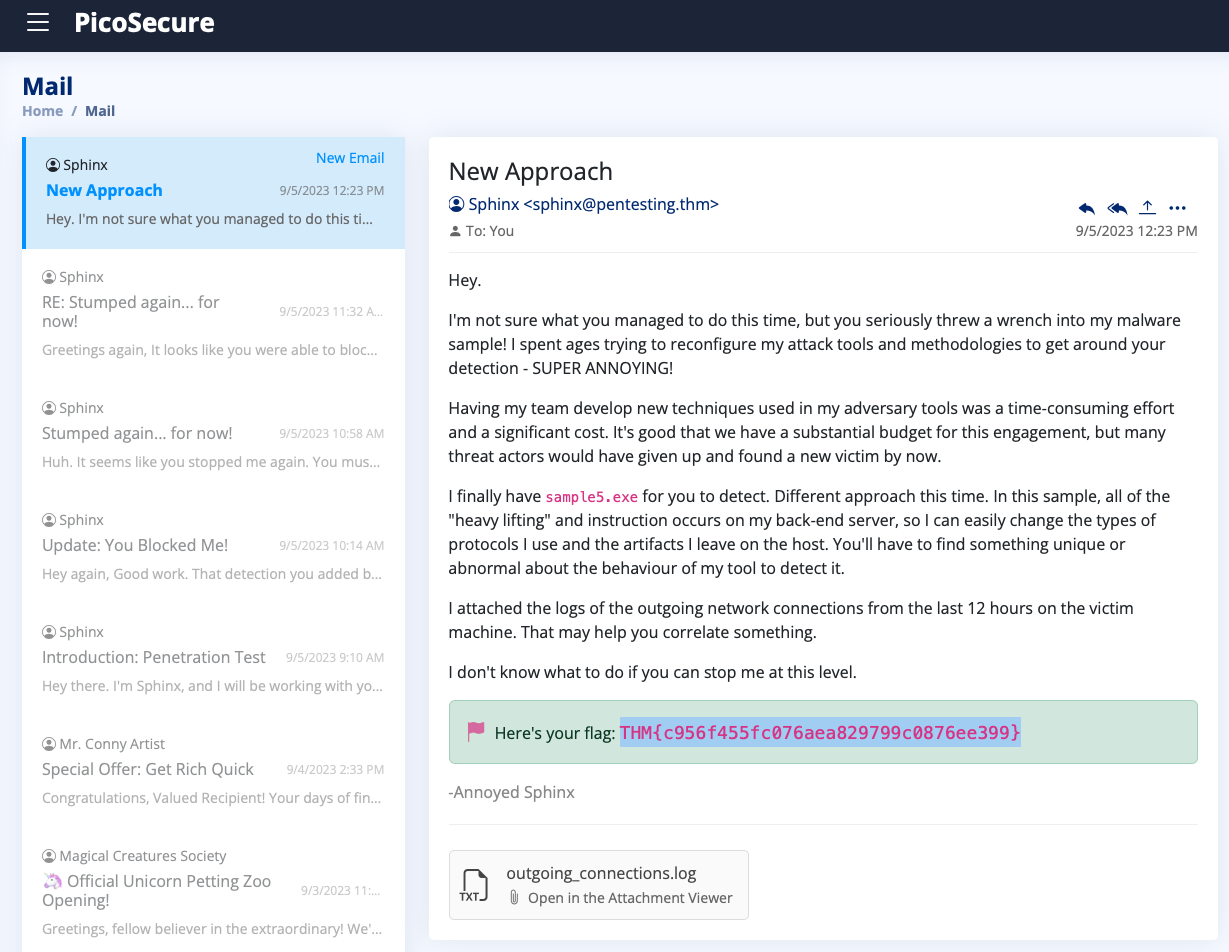
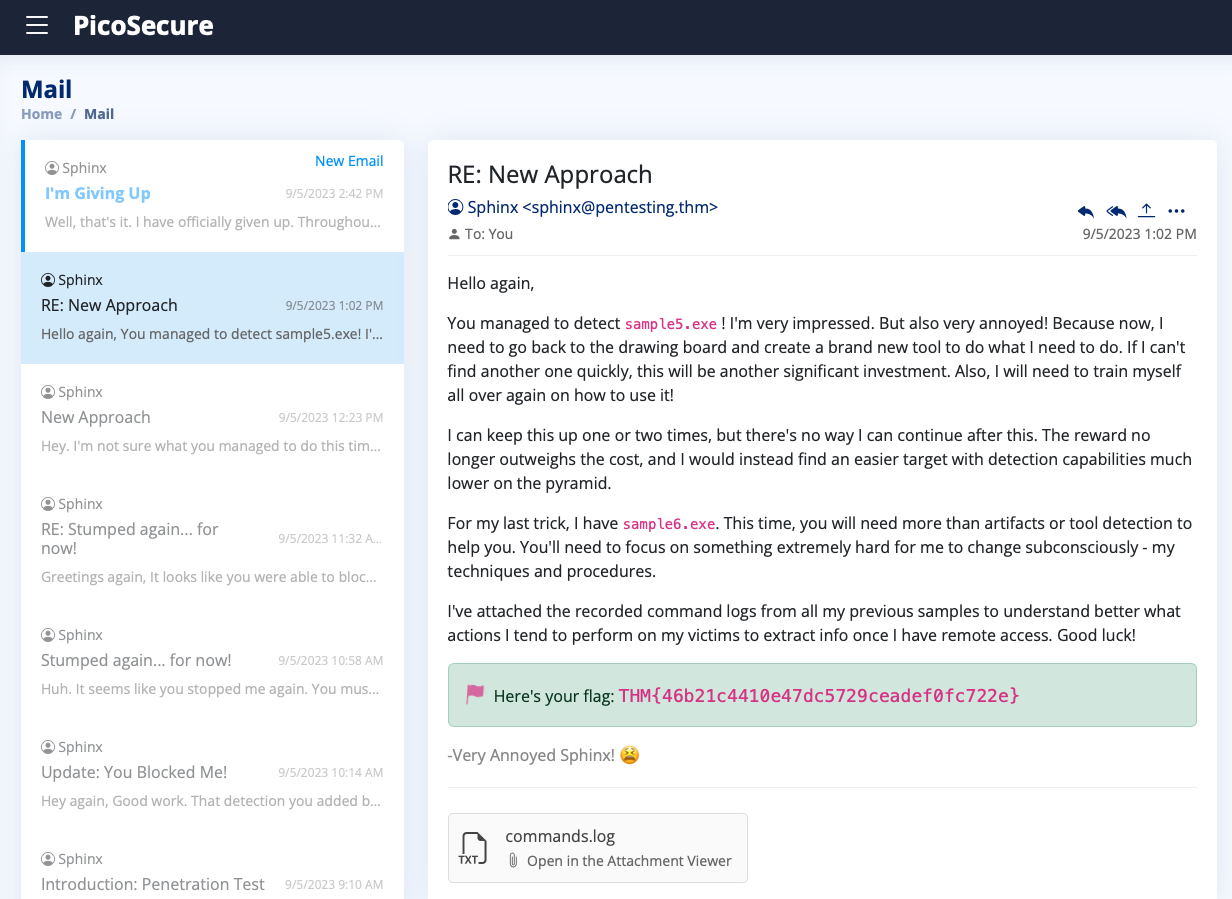
What is the fifth flag you receive after successfully detecting sample5.exe?
THM{46b21c4410e47dc5729ceadef0fc722e}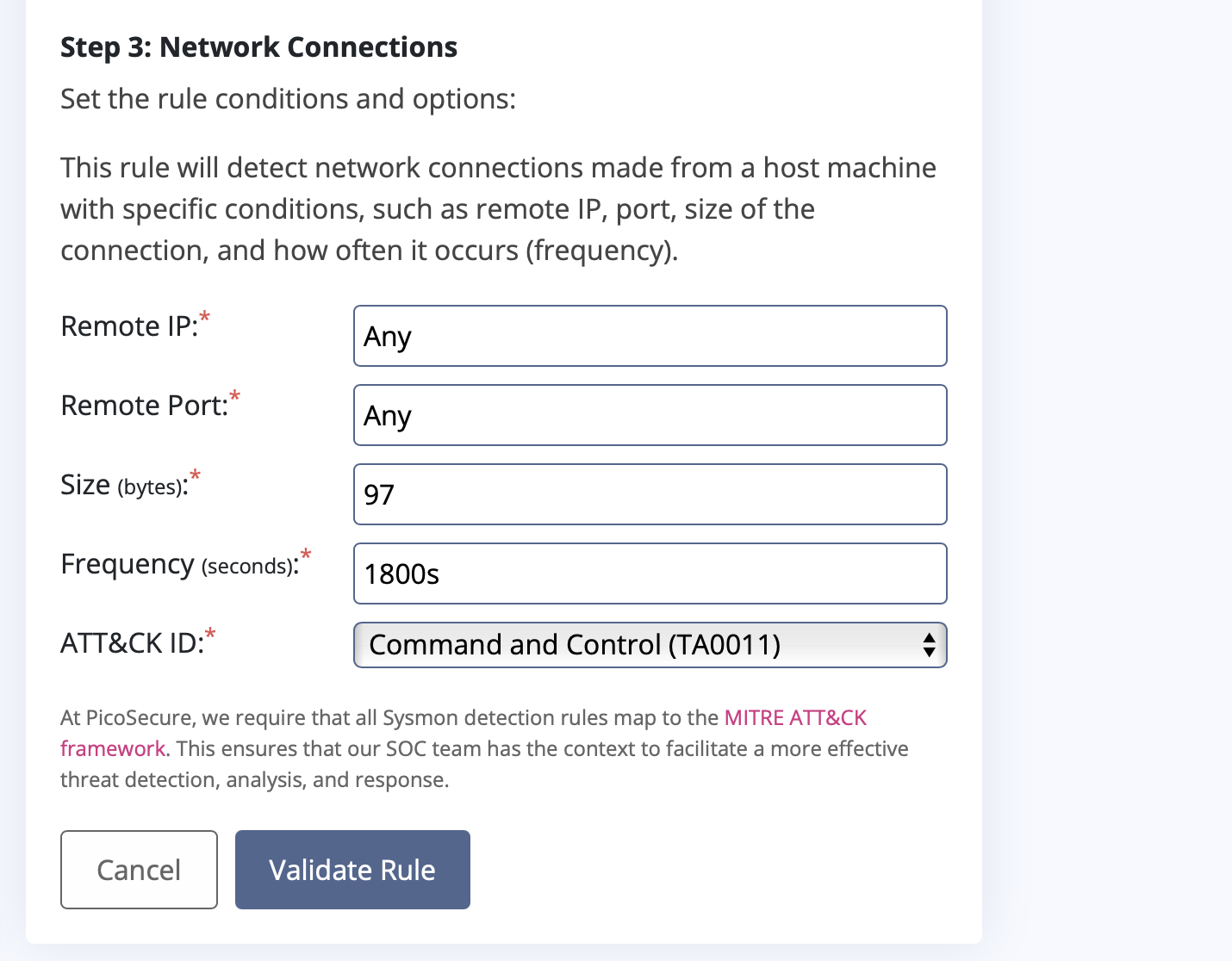
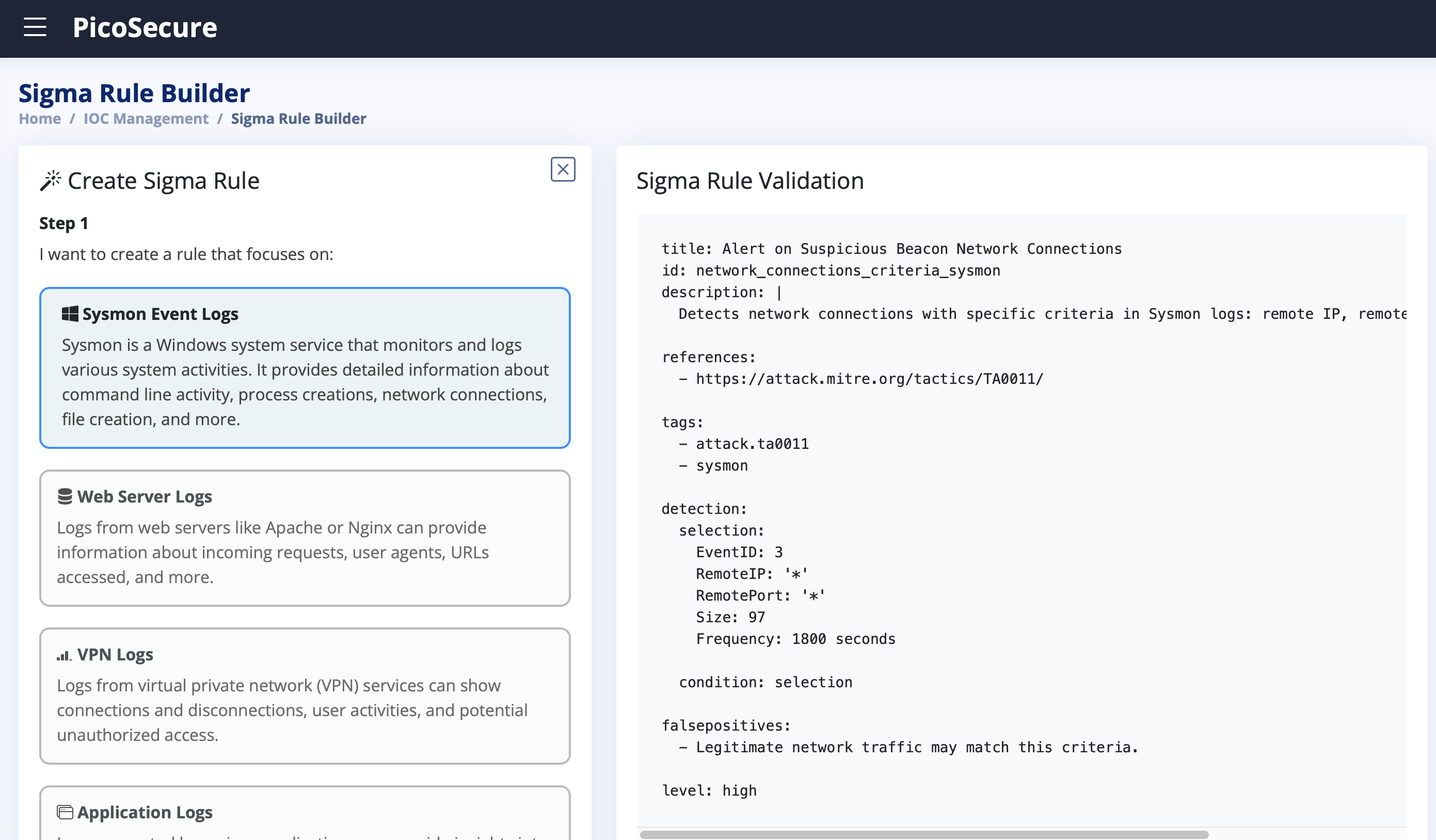
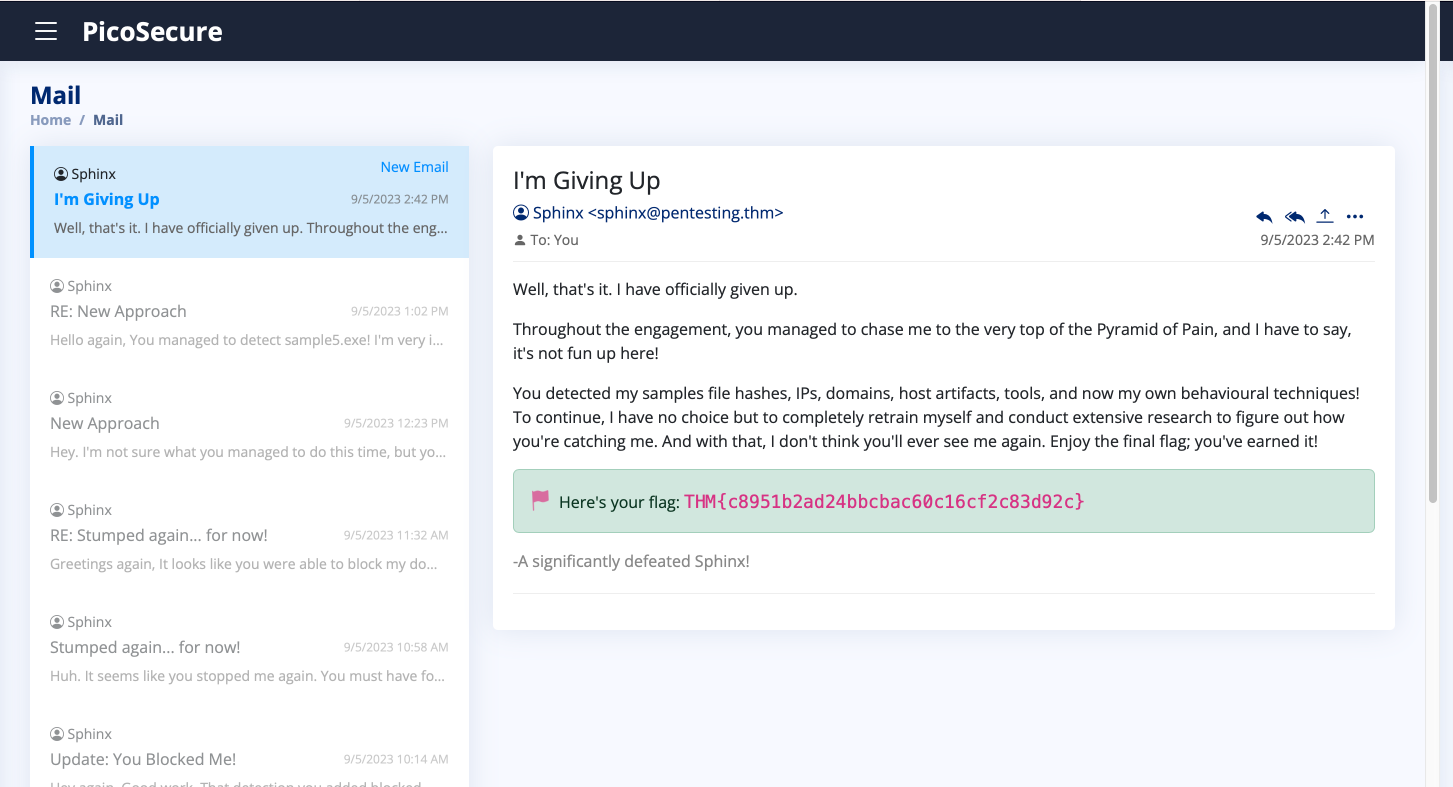
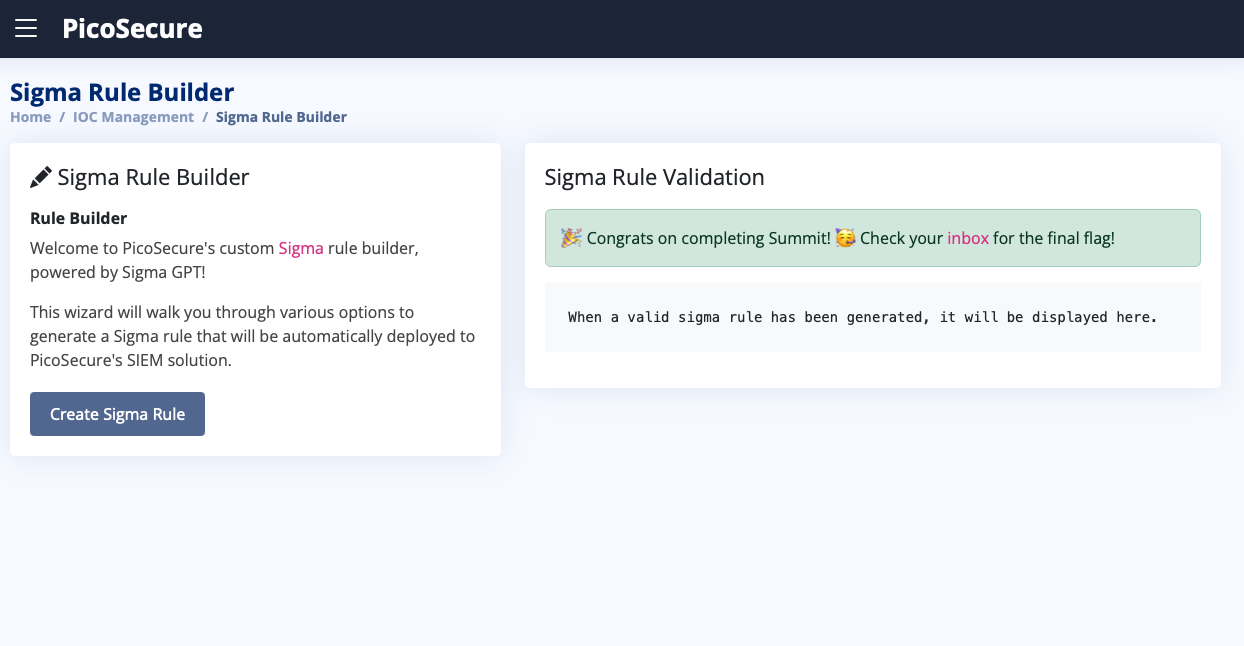
What is the final flag you receive from Sphinx?
THM{c8951b2ad24bbcbac60c16cf2c83d92c}
Thank you for reading my article. Please leave any questions or comments on improving my learning journey and the THM challenges.
About the author
- Software Developer | Learning Cybersecurity | Open for roles * If you're in the early stages of your career in software development (student or still looking for an entry-level role) and in need of mentorship, you can reach out to me.
Comments
Join the discussionNo comments yet. Be the first to comment.