Become a Defender (TryHackMe)

What Is Defensive Security?
Defensive Security focuses on understanding what needs to be protected and implementing security measures to prevent, detect, and mitigate the impact of potential attacks. Defenders work to gain visibility into systems, identify weak points, and ensure that systems remain available and protected, aligning with the goals of confidentiality, integrity, and availability (the CIA triad) you learned about earlier in this module. The goal is to be prepared for incidents and respond when they occur.
In the previous room of this module, Become a Hacker, you explored security from the perspective of an attacker. Ethical hackers use the same techniques as malicious actors to identify weaknesses and help organizations improve their defenses. Defenders, often referred to as the Blue Team, need to understand how attackers think, what they target, and how attacks typically unfold. By identifying critical infrastructure, understanding attackers' goals, and applying defenses, defenders help protect their clients' systems.
Learning Objectives
Understand what defenders protect and why visibility matters
Identify key parts of a client's environment
Learn basic methods used to protect common systems and services
Feel confident starting your defensive security journey
Prerequisites
This room is beginner-friendly and does not require any prior defensive cyber security knowledge; however, some familiarity with computer systems and defensive concepts will help you feel more comfortable during the hands-on tasks.
Understanding Your Environment
In the previous task, we explored the basics of defensive security. Now, we'll focus on what defenders are responsible for protecting and why understanding the environment matters. Before you can protect anything, you need clear visibility into what exists and how it fits together. A simple yet powerful way to think about this is to imagine your client's infrastructure as a bustling city. Just like city guards need to know the layout, watch for trouble, and know how to respond, defenders must understand their environment to keep it safe.
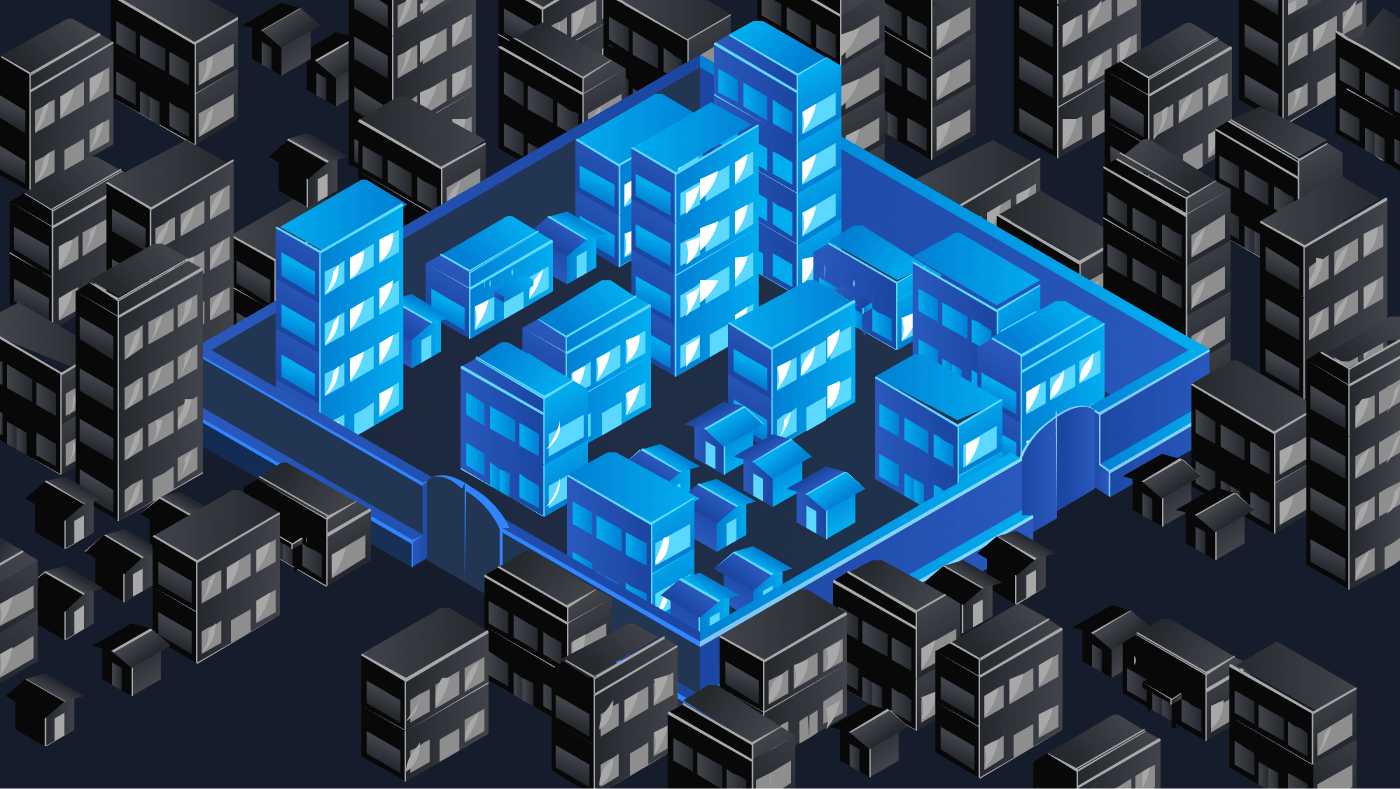
The table below uses a simple city analogy to illustrate how defensive security questions translate into real-world security concepts.
| Defensive Question | City Analogy | Security Equivalent |
| What are you protecting? (Systems and Infrastructure) | Homes, buildings, people | Client servers, data, workstations, users |
| Can you see what you are protecting? (Visibility) | Cameras, reports, patrols | Logs, network traffic, alerts |
| What classifies suspicious behavior? | Locked door attempts, circling cars | Repeated logins, unusual IP addresses |
| How do you stop a threat? | Police, blocked roads, curfews | Firewall rules, IP address blocking |
What Can You Do as a Defender?
Once you understand what systems exist and how they can be protected, defenders typically organize their work around a set of foundational security concepts. These concepts apply across nearly all environments and will appear repeatedly as you continue learning defensive security.
Prevention: Putting security controls in place to stop attacks before they happen, such as firewalls, antivirus software, and regular patching.
Detection: Monitoring systems and networks to identify suspicious or malicious activity through logs, alerts, and security tools.
Mitigation: Taking action during an incident to limit damage, such as blocking traffic, isolating affected systems, or disabling compromised accounts.
Analysis: Investigating what happened, how it happened, and which systems were affected by reviewing logs and other evidence.
Response and Improvement: Recovering from the incident and improving defenses to reduce the risk of similar attacks in the future.
These concepts form the foundation of defensive security and will help guide your thinking about protecting systems throughout this room and beyond.
What Is Your Scope?
Defenders are not responsible for protecting everything on the internet. They focus on protecting what belongs to their organization or client. This includes the devices people use every day, servers that host applications and data, and the networks that connect systems together. Before any defenses can be applied, defenders must understand what systems exist, what they are used for, and how they fit into the overall environment.
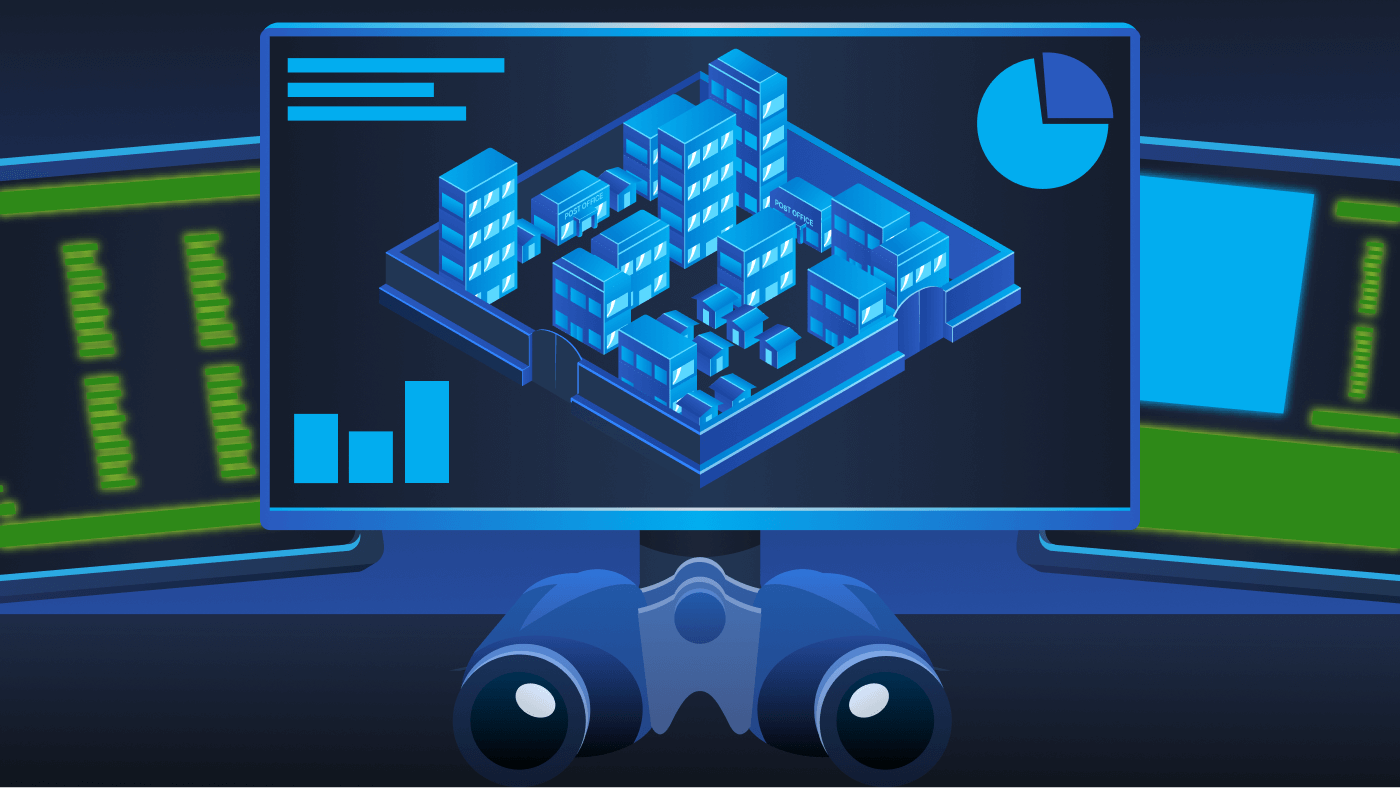
Let's go back to the city analogy we previously used and hone in on aspects of client infrastructure. The list below is not exhaustive, but it will give you a good idea of a sample network you may be tasked with defending in the future.
| System or Infrastructure Component | Purpose | City Analogy |
| Employee Devices | Where users work and access company resources | Homes |
| Web Server | Hosts websites or applications accessed by users | Shop/Public buildings |
| Mail Server | Sends and receives email for the organization | Post office |
| Firewall | Controls what traffic is allowed in or out | City gate |
| Internet | External networks not controlled by the organization | Anything outside of the city |
Mapping Your City
Go ahead and click the View Site button below to open the static site in split view. In this exercise, you'll explore a city that represents your client's infrastructure to gain visibility into what systems exist, where they fit within the environment, and what needs to be protected. Investigate each part of the city and map it to its real-world infrastructure equivalent.
View Site
Answer the questions below
What is the goal when a defender puts security controls in place to stop threats before any damage occurs?
PreventionWhat process involves reviewing logs and evidence to understand how an incident happened and what was impacted?
AnalysisWhat flag did you receive after successfully mapping your city infrastructure?

Defending Your Environment
In the previous task, you learned the importance of understanding your environment by mapping your client's infrastructure and gaining visibility into the assets you're responsible for defending. Now, we'll build on that foundation by focusing on how those systems can be protected. As a defender, your role is to understand what exists, consider how it could be abused, and apply protections to reduce risk.
Think Like a Defender
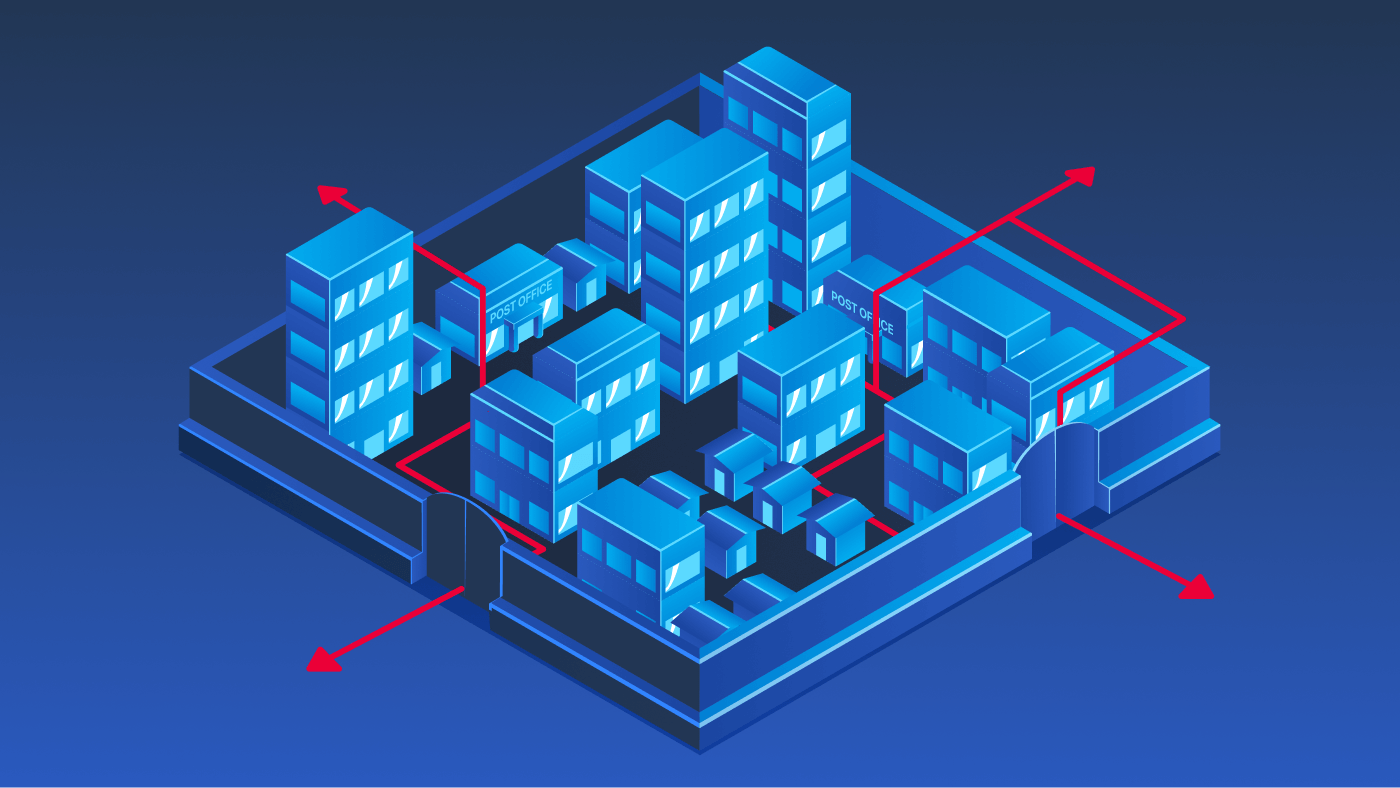
As a defender, your success relies on more than just knowing your environment. You must think like the attackers who want to break into your systems. Instead of viewing your system as separate parts, see them as an interconnected chain. Attackers rarely target a single system. They compromise one asset and pivot to the next, building to their goal.
For example, a malicious email attachment might affect an employee's workstation. From there, an attacker could steal usernames and passwords, access a mail server, and eventually reach sensitive data stored on a database server. Each step builds on the last and is an opportunity for a defender to apply security measures to protect systems.
Key Defender Principles
Threat anticipation: Review the systems you aim to protect and ask, "What if?" Imagine realistic paths an attacker may take to achieve their goal.
Attack awareness: Attacks typically follow recognizable stages. Studying common attack chains and frameworks is incredibly useful for defenders.
Risk prioritization: Not every part of your system carries equal risk. Defenders should identify high-value systems and targets.
Continuous adaptation: Defense is not a one-time set up. Threats and attackers evolve, techniques change, and vulnerabilities emerge.
Available Defenses: Tools to Protect Your City
You previously mapped your client's city to know what's inside. Homes, shops, and public buildings, a post office, a city gate, and everything that lies outside the city walls. Now it's time to explore protection. Defenders use several tools that work together, like having locks on doors, guards at the gate, and alarms inside buildings. No single tool stops every bad guy or malicious attempt, but using a layered set makes it much harder for attackers to succeed. Let's review your client's infrastructure once more and examine potential risks and available protections to ensure their safety.
| System or Infrastructure Component | What Could Go Wrong | Defenses You'll Use |
| Employee Devices | Someone clicks a bad link or downloads unsafe software | Antivirus to detect bad programs |
Regular software updates |
| Web Server | Attackers try to break into the website | Only allow safe traffic
Use secure communication |
| Mail Server | Malicious or deceptive emails | Spam filters
Scan attachments |
| Firewall | Strangers from the internet try to break in | Firewall rules that control access
Block known troublemakers |
| The Outside Internet | External threats come from here | Restrict inbound traffic
Monitor for suspicious activity |
Don't worry if some of these defenses feel unfamiliar. As you progress further into defensive security, you'll have many opportunities to explore these tools and protections in detail. This list isn't exhaustive, but it is designed to help you understand how defenders match protections to different systems.
Defending Your City
In the previous task, you mapped your client's infrastructure by identifying key components of their environment. Now it's time to shift from understanding the system to defending it. In this phase, you'll apply security controls to protect different parts of the city from potential threats. When you're ready, click View Site button below to continue.
View Site
Answer the questions below
Which defender principle focuses on identifying the most critical systems to guide security efforts and focus?
Risk PrioritizationWhat flag did you receive after successfully defending your city's infrastructure?

Where to Go From Here
Great job, Defender! In this room, you explored the fundamentals of defensive security, learned how to identify and understand client infrastructure, and adopted a defender mindset to anticipate how attacks may occur. By thinking like both an attacker and a defender, you examined how security controls can be applied across multiple layers to reduce risk and protect important systems.
Key Terminology
Blue Team: A group of cyber security defenders tasked with protecting systems and responding to threats
Client Infrastructure: The networks, servers, devices, and applications belonging to an organization that need protection
Visibility: The ability to see and monitor activity across systems to spot potential issues
Threat: A potential danger, such as a hacker or malware, that could harm systems or data
Prevention: Stopping threats before they can cause harm by blocking, restricting, or reducing opportunities for attack
Detection: The process of identifying threats or suspicious activity in networks and systems
Mitigation: Actions taken to reduce or stop the impact of a threat once it's identified
Risk: The likelihood and potential impact of a threat successfully harming an organization
What Is Next
Starting out in cyber security can feel overwhelming. There are many tools and concepts to understand, and it's not always clear where to focus first. By completing this room and the Pre Security path, you've taken an important step toward understanding how defenders protect systems, data, and users in real-world environments.
The key to continuing is to build gradually. As you progress with TryHackMe, you'll gain the foundational knowledge needed to deepen your learning in both defensive and offensive security. Understanding how systems are protected, monitored, and defended will strengthen your ability to detect attacks as well as your awareness of how attackers operate. Over time, this balanced approach will help you build the skills and confidence needed to move toward a variety of roles within cyber security.
Potential Career Opportunities
In this room, you covered a high-level introduction to identifying and protecting client infrastructure. Defensive cyber security offers a wide range of career opportunities for those interested in blue teaming, from monitoring systems and analyzing logs to responding to incidents and improving security controls. Below are a few common career paths you may be interested in if you decide to pursue defensive security as your area of focus.
Security Operations Center (SOC): Monitors networks and systems to detect and investigate suspicious activity or security alerts
Threat Intelligence: Researches current threats, attackers, and trends to help organizations prepare and defend against potential attacks
Digital Forensics & Incident Response (DFIR): Investigates security incidents to understand how an attack happened, and contains the threat to restore affected systems
Further Learning
This room marks the end of the Pre Security learning path. If you have completed all of the rooms in this path, congratulations on reaching an important milestone in your cyber security journey! You can now claim your Pre Security certificate, which reflects your foundational understanding of core security concepts.
From here, you can explore additional learning paths that align with your interests, whether that's offense, defense, or building broader foundations.




